Next Hour Garage Door Repair Santa Clarita · Wall Control Troubleshooting
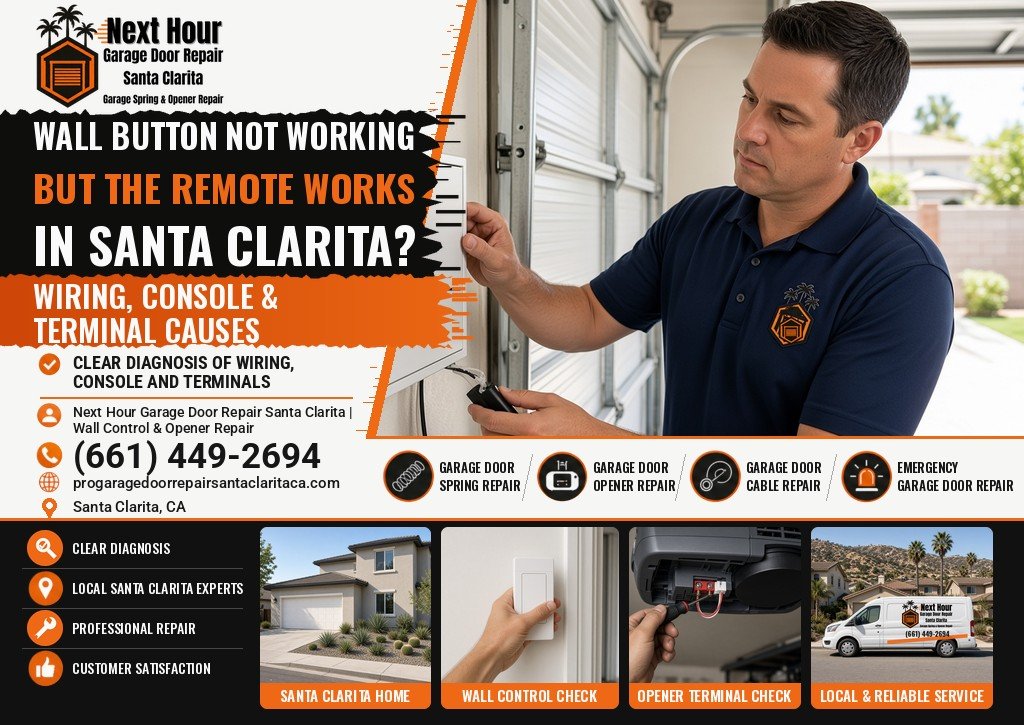
Garage Door Wall Button Not Working but the Remote Works in Santa Clarita? Wiring, Console & Terminal Causes
If the garage door wall button does nothing but a remote still opens the door, the opener has power and the radio still works. The fault is almost always in the wall-control circuit: a failed console, a pinched or loose bell wire, or a conductor that has slipped off the red and white terminals on the opener. Lock or vacation mode is the opposite problem — it blocks remotes and leaves the wall button working — so it is not the cause here.
Why does the wall button fail when the remote still works? The short answer
If the wall button is dead but the remote still opens the door, the opener has power and its radio works. The fault is in the wall-control circuit: the console, its bell wire, or the red and white terminals on the opener. Next Hour Garage Door Repair Santa Clarita checks all three when you call.
Start with the wall console and the low-voltage wire that feeds it. Remotes don’t use that wire, which is why they can keep working when the wall button goes dead. If the console is wireless (no wires behind it), try a fresh battery. If it is wired, unplug the opener and look at the red and white terminals on the motor unit and at any visible bell wire for a loose, shorted, or stapled conductor. Don’t hold the Learn button — that erases remotes and does not fix a dead wall control.
Chamberlain’s support article “How to Troubleshoot a Door Control Panel” follows the same split: remotes may still work when the door control does not, and the next checks are the console and its wiring.
Local help: Next Hour Garage Door Repair Santa Clarita diagnoses wall controls, opener wiring, remotes, keypads, and related opener problems across Santa Clarita, Valencia, Saugus, Canyon Country, Newhall, Stevenson Ranch, and Castaic. Call (661) 449-2694.
This guide explains how to tell a wired console from a wireless one, what you can safely check, and when to stop and call.
What This Pattern Is Telling You
If a handheld remote, a car button, or the keypad still moves the door, the opener is getting power and its radio receiver is at least partly working. The problem is almost always in the wall-control circuit: the console on the wall, the low-voltage bell wire that runs to the opener, or the red and white terminals on the motor unit.
That is the opposite of a remote that has gone dead while the wall button still works. In that case, start with the remote battery, radio interference, or the lock feature on the wall console — we cover that pattern in Garage Door Remote Not Working but Wall Button Works
| What works | What doesn’t | Look here first |
|---|---|---|
| Remote, keypad, or app | Wall button does nothing | Wall console, bell wire, opener terminals |
| Wall button | All remotes and the keypad | Lock / vacation mode on the wall console, then batteries and programming |
| Nothing, and the opener is dark | Wall button and remotes | Outlet, breaker, or a GFCI that has tripped — not the wall button itself |
| A wireless wall button only | That button, remotes still work | The console’s own battery |
Lock Mode Is Not the Cause — It’s the Opposite Symptom
Many Chamberlain, LiftMaster, and Craftsman wall consoles have a Lock button, sometimes called vacation mode. Hold it for a couple of seconds and the opener stops answering remotes. The wall button itself still works, and on those brands the outdoor keypad usually still works too. A flashing LED on the console often means lock mode is on.
If your remotes still open the door, lock mode is not what failed. Don’t hold the Lock button, and don’t press and hold the Learn button on the opener trying to “reset” the wall control. On most of these openers, holding Learn for about six seconds erases every programmed remote and keypad.
Wireless Wall Buttons vs. Wired Consoles
Some homes have a wireless wall button that looks like a regular console but talks to the opener by radio, the same way a remote does. There is no bell wire. If that button dies while a handheld remote still works, replace the console battery first (often a coin cell or a 9-volt, according to the model’s instructions) and check that it is still programmed to the opener.
A wired console is a different device. It gets low-voltage power from the opener through a two-conductor bell wire, usually landed on the red and white terminals. If that wire is open, shorted, or loose, the wall button can go dead while remotes keep working, because remotes don’t use that wire.
Bell Wire, Staples, and Loose Terminals
Chamberlain’s own guide, How to Troubleshoot a Door Control Panel, treats this as a wiring-and-console problem when remotes still work. The checks below are the safe version of that logic. Unplug the opener before you touch any wires, and don’t disconnect the safety-sensor wires (they’re a different pair, usually next to the wall-control terminals).
- At the opener. Look at the red and white wall-control terminals. A conductor that has slipped out, a screw that has backed off, or a bare end touching its neighbor can kill the wall button only.
- At the back of the console. Excess bare wire that touches the circuit board can keep a door control from working. Chamberlain tells owners to trim the ends to about 7/16 inch and retighten the screws without crushing the wire.
- Along the run. The wire is often stapled up a finished garage wall or tucked along the ceiling. A staple driven through the insulation, a nick from a shelf bracket, or a break where the wire bends around a corner will open or short the circuit.
On older openers, briefly touching the two wall-control wires together (or jumping the red and white terminals) can make the door move, which is how a technician tells a bad console from a broken wire. On many newer Security+ 2.0 consoles, that shortcut does nothing because the wall control uses a coded connection, not a simple contact. Either way, the door may start without warning. If you’re not comfortable working at the opener, stop at a visual check and call.
When the Wall Console Itself Has Failed
If the wiring looks intact and the console’s light or screen stays dark when the opener has power, the wall control may be the failed part. Common wear points:
- A push bar that no longer makes contact, or a button stuck halfway down.
- A cracked housing, or a console that was painted over during a remodel.
- Corrosion on the screw terminals after a leak or a damp wall.
- A lighted or screen-style control that was replaced with an incompatible simple doorbell button, or the other way around.
A shorted wall control is a different failure. Instead of doing nothing, it can send a constant or intermittent command and make the door open or close by itself. If that is happening, unplug the opener and have the console and its wiring checked before you keep using the door.
Does Unplugging the Opener Reset the Wall Button?
Sometimes. Unplugging the opener for about a minute and plugging it back in restarts its logic board, which can clear a glitch after a power surge or a brief outage. On most openers this does not erase your remotes or keypad, because those codes are stored in memory. Try it once, then press the wall button.
If the wall button still does nothing after a power cycle while remotes work, the problem is not a frozen opener. It is the console, the bell wire or the terminals described above. Don’t hold the Learn button as a “reset”; that erases remotes instead.
Brand Notes: LiftMaster and Chamberlain, Genie, and myQ
- LiftMaster and Chamberlain. Both brands come from the same company and share wall controls. Newer models use a multi-function or “smart” control panel that talks to the opener over the two bell wires, with a lock button and a light button. If the console’s LED flashes, check lock mode first. A plain doorbell-style button from an older opener may not work with these newer openers.
- Genie. Genie openers use their own wall consoles, and they are not interchangeable with LiftMaster or Chamberlain controls. Many Genie consoles have a lock or vacation control, and Genie also sells wireless wall consoles that run on a battery. If a replacement console was bought for a different brand, it won’t work.
- myQ. myQ is the smartphone app and Wi-Fi system for LiftMaster and Chamberlain openers. If the myQ app or your remote opens the door but the wall button doesn’t, the opener and its Wi-Fi are fine, and the fault is still in the wall-control circuit. A separate myQ add-on hub doesn’t replace or repair the wired wall button.
Not sure which brand or model you have? The label on the opener’s motor unit lists it. Have that ready when you call (661) 449-2694.
Why a Wall Button Fails in Santa Clarita Garages
Attached garages here get very hot near the ceiling in summer, and some wall consoles sit on a sun-facing wall beside a west- or south-facing door. Heat alone doesn’t usually cut a wire, but it dries out insulation, loosens terminal screws as parts expand and contract, and is hard on the electronics in a lighted console. Finished-garage remodels also hide the bell-wire run behind drywall, where a staple or a later shelf install can pinch it out of sight.
If the wall button failed after a heat wave, after someone hung shelves, or after a paint job, mention that when you call. Our article on how Santa Clarita heat affects springs, openers and rollers covers the broader heat pattern; this one is specifically the wall-control circuit.
Safe Checks Before You Call
- Confirm a remote still moves the door. That tells you the opener has power.
- Look at the wall console. If it is a wireless unit with no wires behind it, try a fresh battery.
- If remotes had stopped working instead of the wall button, check for a flashing lock-mode light, then see the remote guide linked above. That is not this symptom.
- Unplug the opener. At the motor unit, look at the red and white wall-control terminals for a loose or touching wire. Do not pull the sensor wires.
- Look along any visible bell wire for a staple through the jacket, a pinch, or a break.
- Plug the opener back in and try the wall button once.
Don’t hold the Learn button to “reset” a dead wall control, don’t splice the bell wire while the opener is plugged in, and don’t keep pressing a lifeless button hoping it will come back. If the door has been moving on its own, unplug the opener and leave it unplugged until it can be checked.
When to Call Next Hour Garage Door Repair Santa Clarita
Call (661) 449-2694 if the wall button is dead and you don’t want to get on a ladder, if the wiring is hidden in finished walls, if the console light is on but the button still does nothing, or if the door has also been moving by itself. We check the console, the bell wire, and the opener terminals, and we can also look at keypad and remote problems on the same visit if those have started acting up too.
See our garage door opener repair service, or use our contact page to tell us what still works and what doesn’t.
Garage Door Repair for Santa Clarita Valley Homes
Next Hour Garage Door Repair Santa Clarita helps homeowners with spring, opener, cable, roller, track, sensor, and off-track repairs throughout the Santa Clarita Valley. Call (661) 449-2694 to ask about current availability.
About the author. This guide was written by Next Hour Garage Door Repair Santa Clarita, a garage door repair company that has served Santa Clarita Valley homeowners for 5 years. See the areas we cover on our service areas page, or follow our work on Instagram and Facebook.
Frequently Asked Questions About a Wall Button That Doesn’t Work
Why does my garage door wall button not work but the remote does?
Because the opener still has power and its radio still works. The fault is usually in the wall console, the low-voltage bell wire, or the red and white terminals on the opener — the circuit the wall button uses and the remote does not.
Is vacation or lock mode the problem?
No. Lock or vacation mode blocks remotes and keypads while leaving the wall button working, which is the opposite of this symptom. If your remotes still open the door, lock mode is not engaged, so look at the wall console, the bell wire and the opener terminals instead.
Could it just be a dead battery in the wall button?
Yes, if your wall button is wireless and has no bell wire running to it. Those consoles run on a coin or AAA battery, and a fresh one often fixes them. A wired console is powered by the opener itself, so a battery swap will not fix that type.
Is it safe to twist the two wall-control wires together to test it?
That test can make the door move with no warning, and it does nothing on many newer coded wall consoles, which need their own signal. Unplug the opener for a visual check of the wires and terminals, and leave a jumper test to someone who can control the door safely.
Can a bad wall button make the door open by itself?
Yes. A shorted console, a pinched staple or damaged bell wire can send unwanted open or close commands to the opener. If the door moves on its own, unplug the opener so it can’t run again, then have the wall control and the wiring between it and the opener checked.
Should I hold the Learn button to reset the wall control?
No. Holding the Learn button for several seconds on most Chamberlain and LiftMaster openers erases every programmed remote and keypad. It does not repair a dead wall button, and you would then have to reprogram every remote. Check the console, its wiring and the opener terminals instead.
Does unplugging the garage door opener reset the wall button?
Unplugging the opener for about a minute restarts its logic board and can clear a glitch after a surge or outage. On most openers it doesn’t erase remotes. If the wall button is still dead afterward while remotes work, the fault is in the console, the bell wire or the opener terminals.
Why won’t my Genie or myQ wall button work when the remote does?
The reason is the same as on other brands: the remote uses radio and the wall button uses its own console and wiring. Genie consoles aren’t interchangeable with LiftMaster or Chamberlain ones, and a working myQ app only proves the opener is fine. Check the console, its battery if wireless, and the wiring.
Find Next Hour Garage Door Repair Santa Clarita
Service-area garage door repair for Santa Clarita Valley homeowners. Call (661) 449-2694.
Get the Wall Button Working Again
If your garage door wall button is dead but the remote still works, call Next Hour Garage Door Repair Santa Clarita at (661) 449-2694. We’ll check the console, the bell wire, and the opener terminals and explain what we find before any repair starts.